
360 video on Mac with no editing
Records with an action camera or a smartphone, edits by itself and gives guests slow-mo clips by QR code. You look after the guests, not the editing
- Any video spinner
- DJI, GoPro, Insta360 or a smartphone
- Delivery by QR
from $39 a month · $239 a year · $489 lifetime

How it works
Guest on the platform
Start with the button in the software or the space bar
The camera records
5–7 seconds at 120 frames per second: an action camera or a smartphone
The software edits
Slow motion, boomerang, music, intro and logo are added automatically
The guest takes it by QR
The clip is already in the gallery, the guest saves it to their phone
Slow motion, effects and branding
Set it up once before the event, and every clip builds itself after that. Try it and see how the clip changes
Branding for your client
Slow motion
Slow-motion sections How slowEffects, intro, music
effects included
15 change the picture on sections of the clip, 11 are 3D and fly around the guest: far particles pass behind, near ones fly in front
15 effects for sections of the clip
a different one on each section, neighbours blend smoothly11 3D effects around the guest
the software finds the guest in the frame by itselfThe clip is ready in 30–60 seconds
Recording takes a few seconds, and while the guest steps off the platform the software fetches the clip from the camera and builds the video. The bars run in real time
Guest on the platform, the camera records
From the start of recording to the finished clip. The time depends on the clip length and the chosen effects
An action camera or a smartphone records
The camera you already have will do. We will check it before you buy
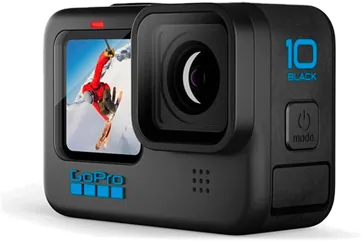
DJI, GoPro or Insta360
The software starts recording and fetches every clip from the camera by itself. No cables needed
 REC
 REC
iPhone or Android
With our phone app: it records on the platform and sends the clip to the software right away
Recording starts by itself
The phone on the arm notices the platform has started moving and starts recording. You can skip the spin-up and adjust the sensitivity
No light flicker
In halls with lamps, record on GoPro at 100 or 200 fps and the light in the frame does not flicker. Slow motion is calculated from the clip's real frame rate
What else you need
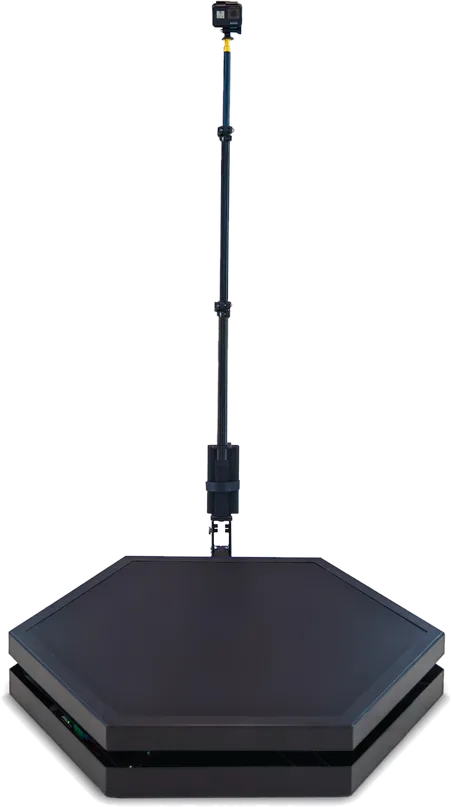
360 video spinner
Any. The Piximba platform starts with the Start button in the software, other spinners with their own remote
Features
What the Mac version can do
and no sign-up
Gallery and QR
Every clip goes to the event gallery by itself, the guest scans the QR code and saves the video
Big screen playback
Finished clips play on a TV or projector automatically, with sound and the gallery QR code
Check before guests arrive
Change the settings and see them on the last clip right away
One-key start
Space starts and stops recording, no mouse needed
Clips from disk
Drag a clip into the window and the software processes it
The camera card cleans itself
Recorded clips are removed from the card, so it never runs out of space
Easy to start, reliable to run
Three-step setup wizard
On first launch the software walks you through the setup
Up to 48 hours offline
The licence works offline, clips upload to the gallery once the connection is back
One-click updates
A new version installs only after recording, processing and uploading are finished
English, Русский, Español
The language switches instantly and follows the system on first launch
The software interface
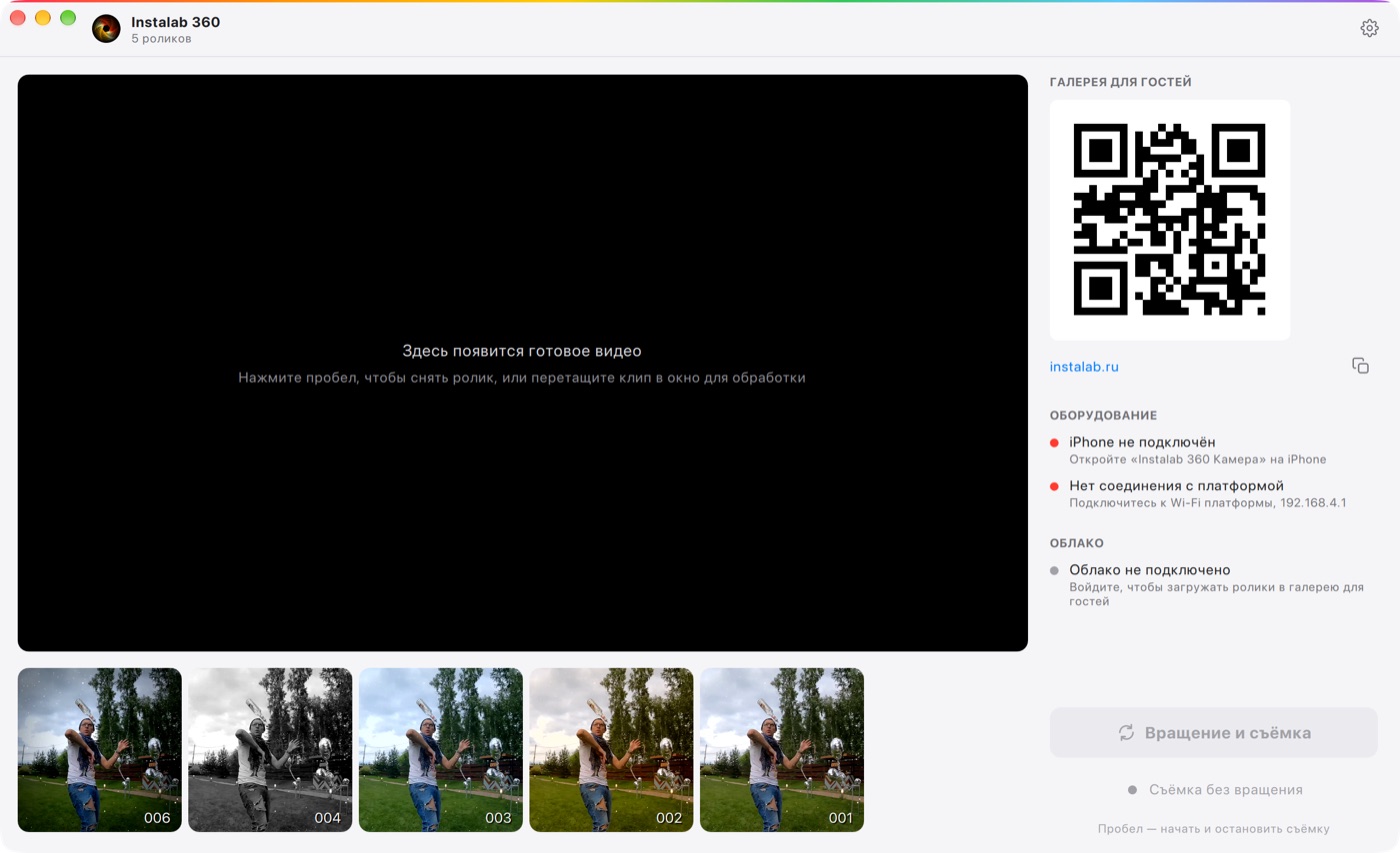
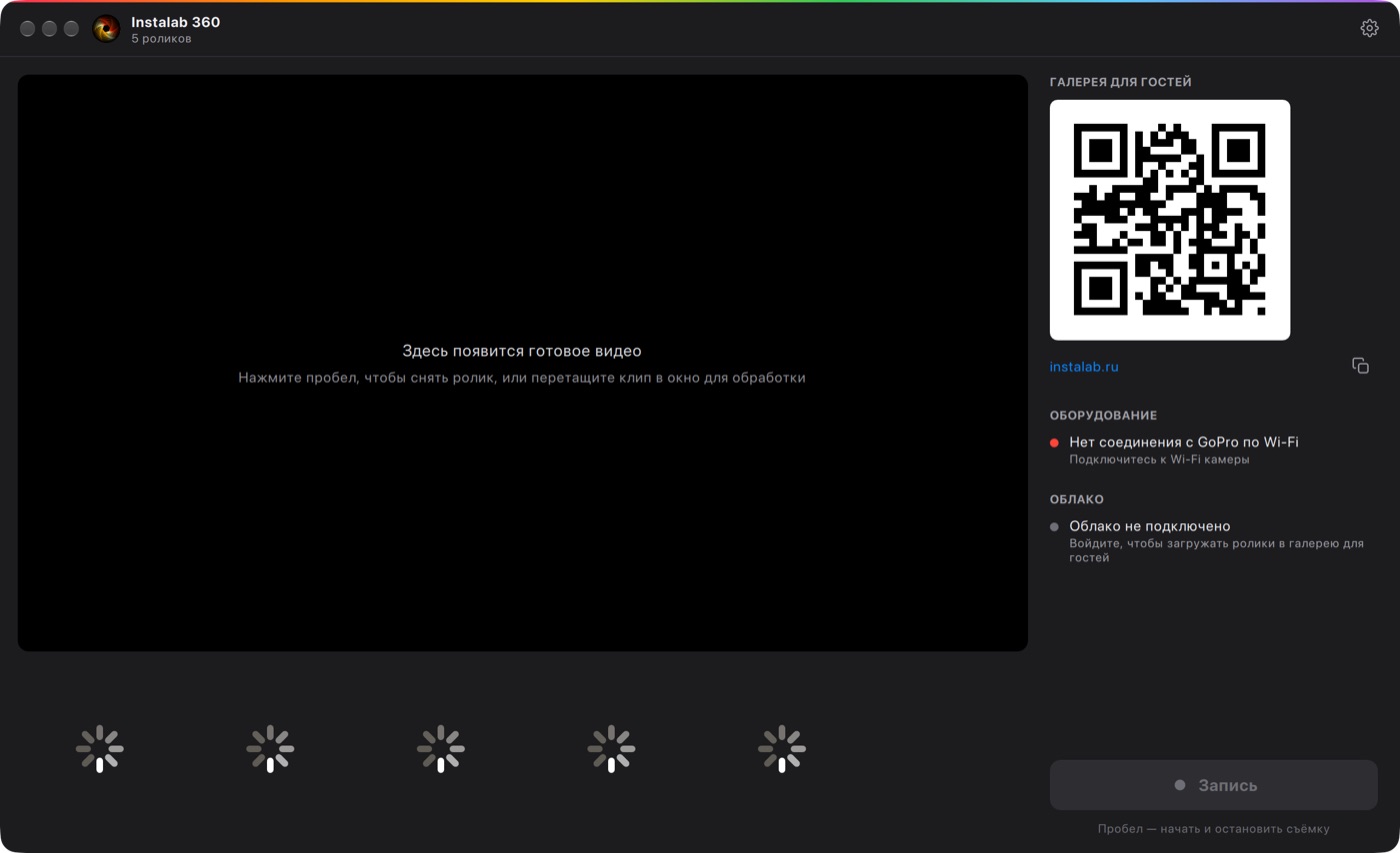 Video tourComing soon: the whole software in a couple of minutes
Pricing
From the account price list. A licence for the Mac version
Questions about the Mac version
Didn't find an answer? Message us on Telegram
Yes, Piximba 360 for macOS has its own licence. The account, cloud and galleries are shared with the Windows version
Versions and services
Each version has its own licence, the account, cloud and galleries are shared
Request Piximba 360 for Mac
We will check your equipment, send a 3-day demo and set up your licence